You’ve probably noticed it over time: your once-speedy gaming rig now feels sluggish, frames drop in busy scenes, and loading screens take forever. The natural instinct is to blame your graphics card, drivers, or Windows updates. But often, the real culprit is hiding in plain sight—your aging CPU. Processors degrade slowly, and as they fall behind modern software demands, you start losing performance without realizing it. This listicle uncovers six telltale signs that your old CPU is costing you frames, plus practical steps to regain lost speed.
1. The Silent Frame Drop Culprit
Your frame rates have gradually dipped, but you can’t pinpoint why. You’ve tried lowering settings, updating drivers, even cleaning the graphics card—but nothing brings back that silky-smooth performance. The less obvious reason is that your CPU is struggling to keep up. Modern games demand more from processors than ever before, and an old chip simply can’t feed instructions to the GPU fast enough. This creates a bottleneck where the graphics card sits idle waiting for data. The result: lower average FPS and occasional dips that feel random. To check, monitor your CPU usage while gaming. If it’s pegged at 90–100% while your GPU usage stays below 70%, the processor is the problem. Upgrading to a newer generation—even a mid-range model—can often double your frame rate in CPU-intensive titles.
2. Micro-Stutters You’ve Learned to Tolerate
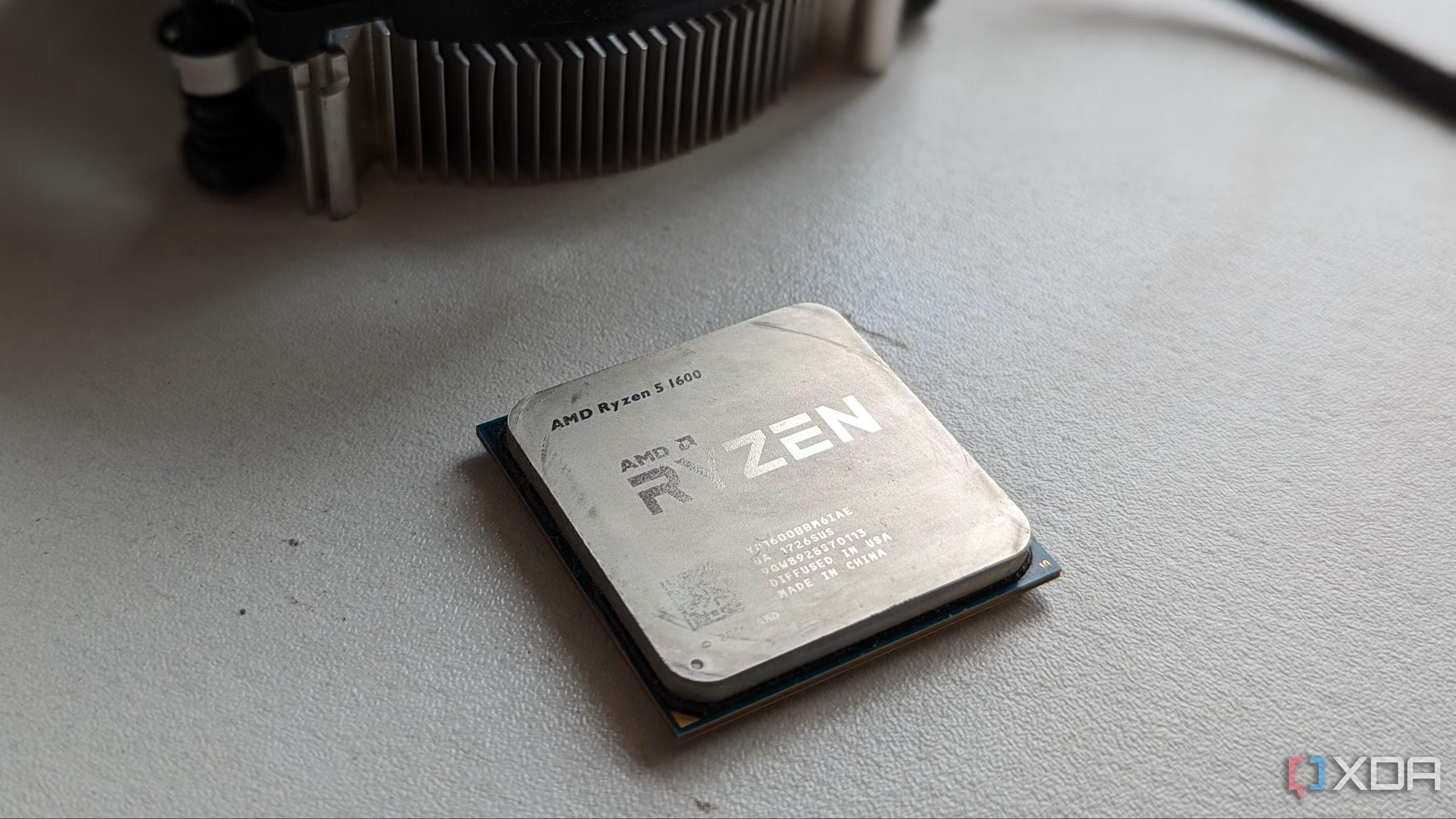
Those tiny hitches where the screen freezes for a fraction of a second have become part of your gaming experience. You might not even notice them anymore, but they’re robbing you of immersion and competitive edge. Micro-stutters occur when the CPU can’t process game logic and inputs in time, causing frames to be delivered unevenly. An aging chip with slower single-thread performance or depleted cache efficiency is the chief suspect. These stutters become more frequent as you play newer titles that rely on complex physics, AI, or rapid asset streaming. To diagnose, use a tool like MSI Afterburner and look for spikes in frame time graphs. If you see regular jumps over 50ms, your CPU is struggling. A processor with higher clock speeds and modern architecture—such as AMD’s Ryzen 5000 series or Intel’s 12th/13th Gen—can smooth out these hitches immediately.
3. Load Times That Feel Like Eternity
Waiting for a game to load isn’t just about your storage drive. While an SSD helps, the CPU plays a critical role in decompressing data and initializing game assets. Over time, older processors might not fully utilize fast NVMe drives because their memory controllers and PCIe lanes are outdated. This leads to longer loading screens, even if you’ve already upgraded to an SSD. Moreover, when you fast-travel or enter a new area, the CPU has to work hard to stream in textures and geometry. If your CPU is old, you’ll notice more hitching and longer pauses. Check the CPU load during loading screens—if it’s at 100% while your drive is barely active, the processor is the bottleneck. A modern CPU with better I/O capabilities, like AMD’s Ryzen 7 5800X3D or Intel Core i5-13600K, can cut load times by 30–50% in many games.
4. Bottlenecking Your Modern GPU
You saved up for that shiny new graphics card, but the performance uplift is nowhere near what you expected. This classic scenario happens when an old CPU chokes the new GPU. High-end GPUs require fast data streams from the processor—if the CPU can’t keep up, the graphics card has to wait. You’ll see low GPU usage (under 70%) even in demanding scenes, while your CPU cores are maxed out. In games like Cyberpunk 2077 or Valorant, a weak CPU can limit FPS severely. Use a gaming benchmark to check; if your GPU runs at 70–80% load while the CPU hits 100% on some threads, you have a bottleneck. Upgrading to a modern CPU, even one tier lower than your GPU, will unlock its full potential. For instance, pairing an RTX 3080 with an Intel Core i3-12100F often outperforms it with an older i7-8700K.

5. Compatibility Issues with New Game Titles
More and more games now require SSE 4.1/4.2, AVX2, or other instruction set extensions that older CPUs lack. Even if your CPU meets the minimum clock speed or core count, missing instruction sets can cause crashes, lower performance, or outright refusal to launch. For example, games like Starfield and Hogwarts Legacy list modern CPUs as mandatory. Additionally, older CPUs lack hardware-level security mitigations for Spectre and Meltdown, which can incur performance penalties. If you find yourself wondering why a new game runs poorly or has unexplained stuttering, check the processor’s feature set. Upgrading to a chip from the last three or four years ensures full compatibility with modern game engines and future titles, saving you from frustration later on.
6. Thermal Throttling and Deteriorating Silicon
As CPUs age, the thermal paste between the die and heat spreader dries out, reducing heat transfer efficiency. Combined with dust buildup in fans and heatsinks, your old processor may run hotter than it did when new. When temperatures hit the threshold, the CPU automatically reduces its clock speed to cool down—a phenomenon called thermal throttling. This can slash performance by 10–20% in sustained gaming sessions. Worse, the silicon itself degrades over years of voltage cycling, leading to lower stable overclocks. Symptoms include fluctuating clock speeds, sudden performance drops after 30 minutes of play, and higher noise from cooling fans. Clean your system, replace thermal paste, and check temperatures with software like HWMonitor. If you see repeated throttling, it’s likely time for a new CPU and cooler to restore peak performance.
Conclusion: Your old gaming CPU might be silently stealing frames and enjoyment from your system. From frame drops and micro-stutters to load times and bottlenecking a new GPU, these six signs are clear indicators that an upgrade is overdue. Don’t keep blaming other components—listen to what your processor is telling you. A modern mid-range CPU can breathe new life into your rig, often for a fraction of the cost of a full build. Check your performance with monitoring tools, consider a platform upgrade, and reclaim the smooth gaming experience you deserve.